

-
Navigate to console.rye.com/account
-
If you have not connected your account, click the
Connectbutton.- You will be taken to the App page on Amazon. Click
Connect appand follow the OAuth flow.
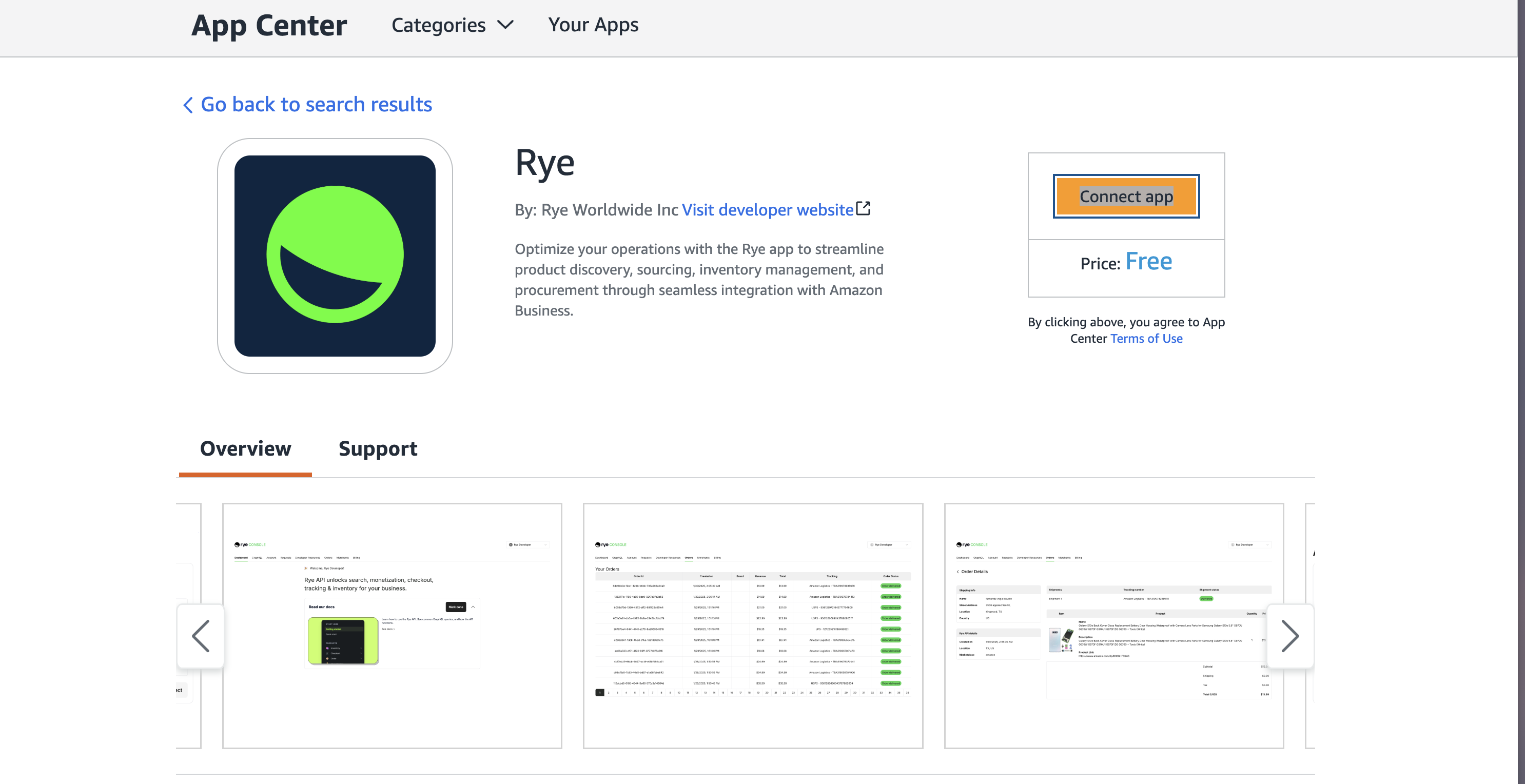
- You will be taken to the App page on Amazon. Click
-
If you have not connected your account, click the
-
Scroll to the
Amazon Businesssection- Fill in the details and click the
Savebutton.Amazon account emailis the email address of the Amazon business account you created and configuredGroupIdis the id of the purchasing system you configuredBuyer emailis the email address of the user you added to your group
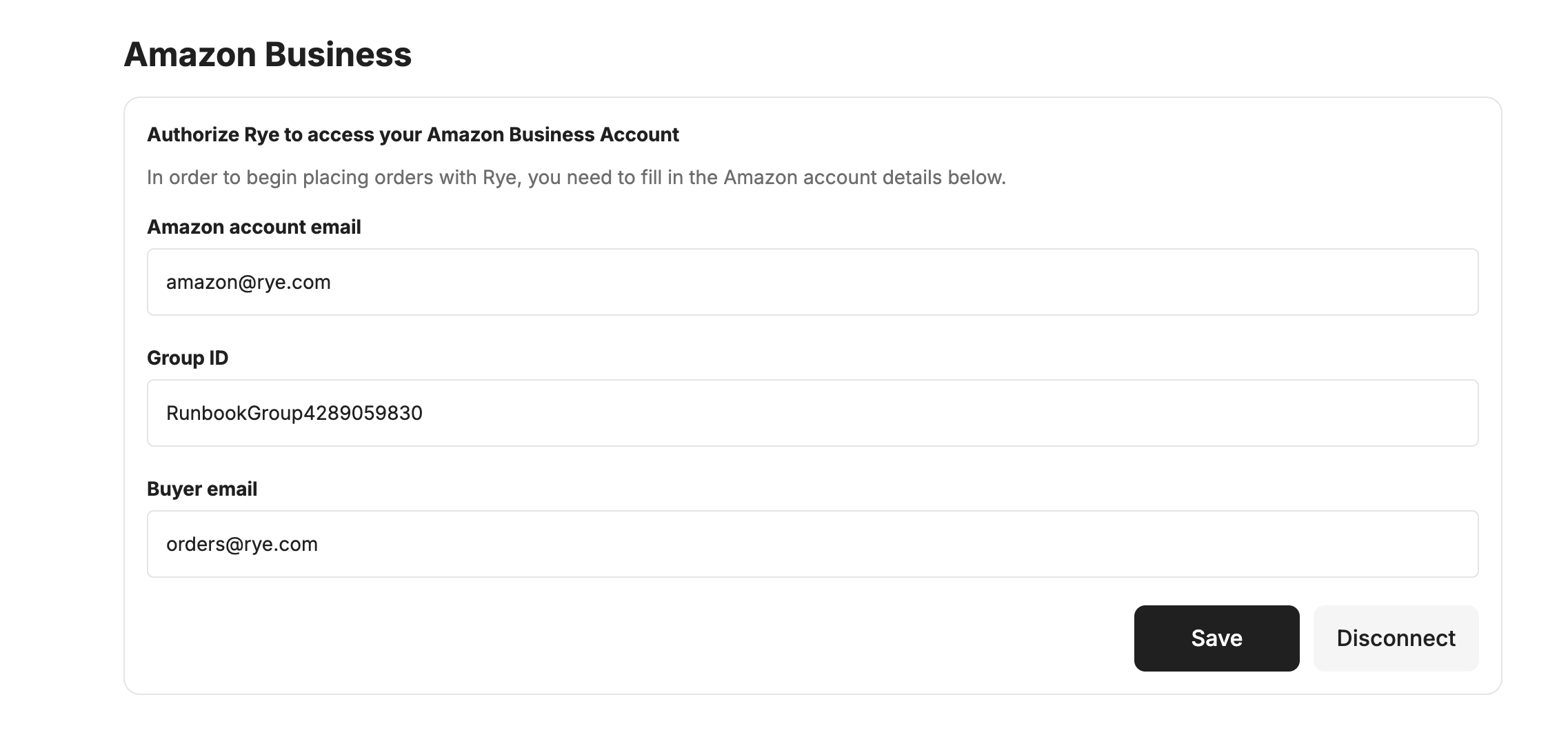
- Fill in the details and click the
- Now everything is configured and ready
Connect Amazon Business to Rye
Now that the Amazon Business account has been configured, the last step is updating the developer console with the account’s details.
Was this page helpful?