
Getting started
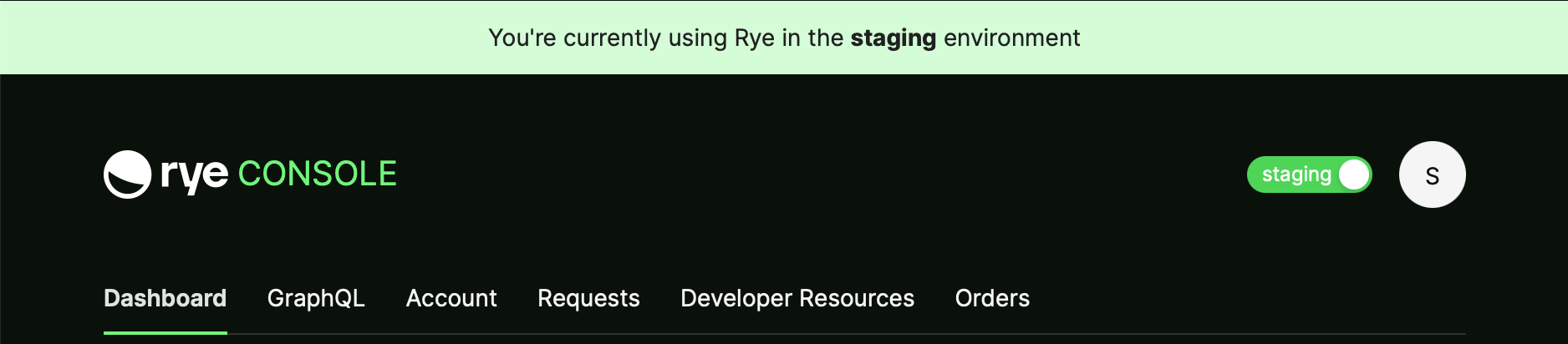
The first step is to create a Rye account. Starting off with creating an account only in the staging environment is a common workflow, but keep in mind that in order to go live you will eventually need to create an account in the production environment as well. Once you are signed in the Console to either environment, you will see a switch in the top-right corner of the page which tells you which environment you are currently signed in to. Clicking this switch will swap your browser between each environment. Below you can see an example of what this looks like when signed in to the staging environment: