Documentation Index
Fetch the complete documentation index at: https://docs-test.rye.com/docs/llms.txt
Use this file to discover all available pages before exploring further.
How It Works
Generate an RSA key pair
openssl genpkey -algorithm RSA -out private_key.pem -pkeyopt rsa_keygen_bits:2048
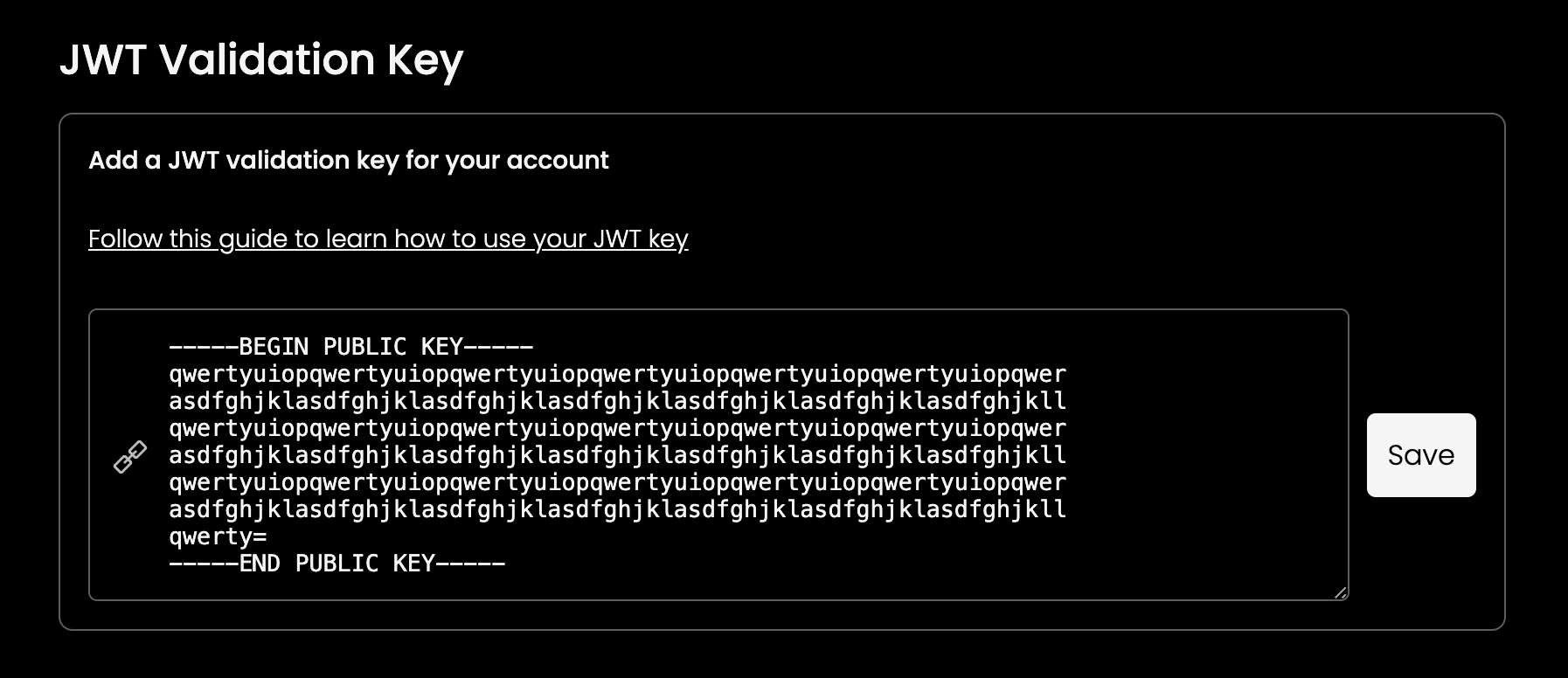
openssl rsa -pubout -in private_key.pem -out public_key.pem
Store your private key securely. You will need it to sign access tokens later.Generate access tokens
Create an endpoint within your backend system designed to generate and provide access tokens for your frontend application. import jwt from 'jsonwebtoken';
function generateToken(): string {
return jwt.sign(
{},
RSA_PRIVATE_KEY, // The private key generated in Step 1.
{
algorithm: 'RS256',
expiresIn: '1h', // Rye's policy restricts TTL durations to a maximum of one hour.
audience: JWT_AUDIENCE, // graphql.api.rye.com for production, staging.graphql.api.rye.com for staging.
issuer: JWT_ISSUER, // Your unique issuer value can be found in the Rye console under the Account tab. Note this value is unique per environment (staging vs production)
}
);
}
Use the access token
Include the access token within the Authorization header for any requests made to the Rye API. const response = await axios.post(
RYE_API_ENDPOINT,
GRAPHQL_REQUEST_BODY,
{
headers: {
'Authorization': `Bearer ${JWT_TOKEN}`,
'Content-Type': 'application/json',
},
}
);
When utilizing JWT authentication, there’s no need to include the Rye-Shopper-IP header in your requests, as Rye will automatically use the client’s IP address.